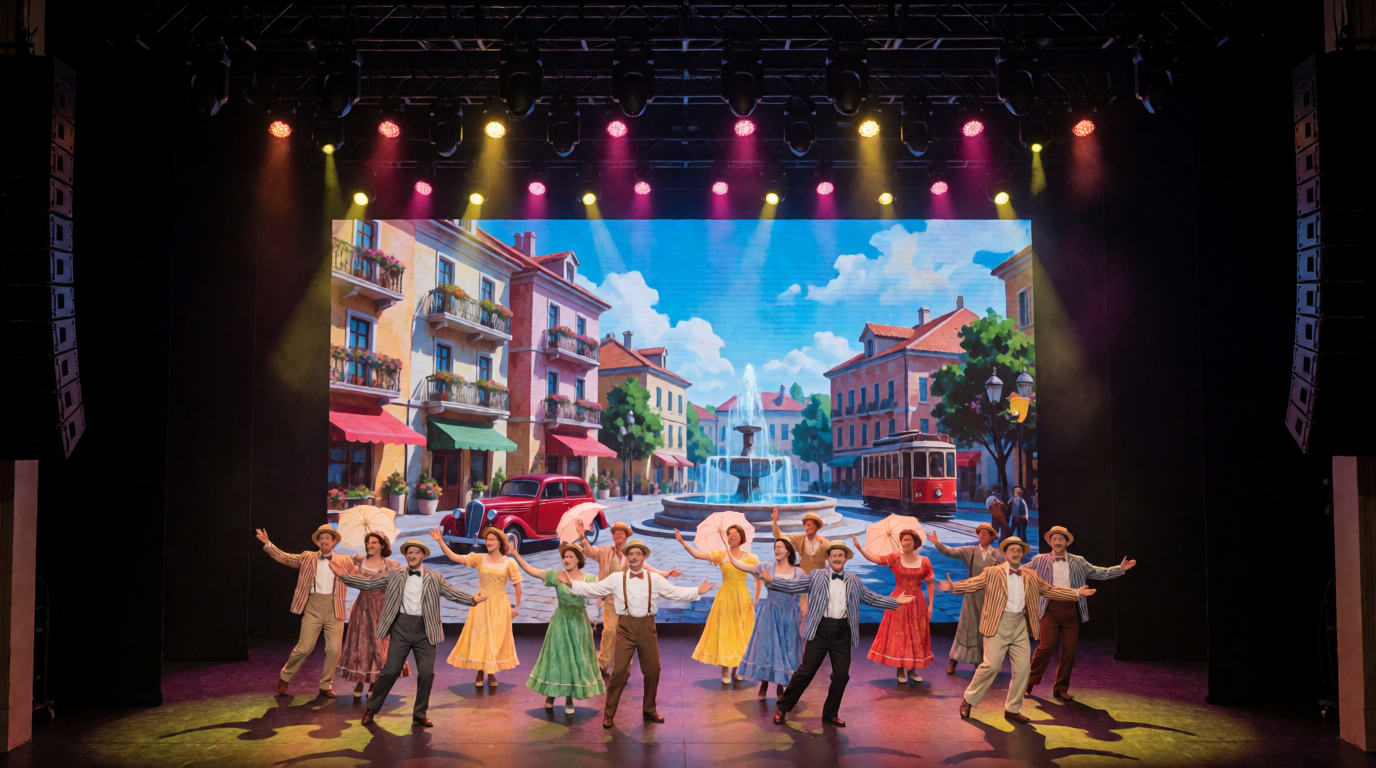
Programming a show is a race between ambition and the clock. A designer wants three hundred cues, layered effects, pixel-mapped transitions, timecode-driven hits, and a dozen alternate looks, and the venue gives eight hours. The programmers who survive are not the fastest typists. They are the ones who build systems inside the console, so every minute of programming multiplies into dozens of cues.
The Craft Evolves
Early programmers recorded cue by cue, adjusting every channel by hand. The 1990s brought automated lighting consoles such as the Wholehog from Flying Pig Systems, which introduced palettes and effects engines that changed the pace of work. Today, consoles like grandMA3, ETC Eos, Hog 4, and ChamSys MagicQ offer presets, macros, phasers, sequences, and timecode that make large shows feasible. The tools are powerful, but efficiency depends on using them with discipline.
Plan Before You Program
Preparation beats speed. Start with pre-production: read the run of show, review content, and discuss looks with the designer. Build a fixture patch in Vectorworks and export via MVR into the console, with GDTF profiles. Create groups, layouts, and selection orders before touching a cue.
Use previs tools such as Capture, WYSIWYG, or Vision to program offline. Even a rough virtual rig allows you to create cues in advance. Arriving on-site with half the show built is the single biggest efficiency gain.
Build a Preset Library First
Presets are the foundation. In grandMA3, Eos, and Hog 4, create color, position, beam, and gobo presets that cover the design palette. Name them clearly, such as “Warm Key,” “Blue Wash,” or “Audience Fan.” Cues then reference presets, not raw values.
This approach allows global changes. If the client changes the brand color, update one color preset, and every cue that uses it updates automatically. Programmers who build libraries first can adapt to changes in minutes.
Use Groups, Selection Orders, and Layouts
Selection is where time disappears. Create groups for logical sets, such as front wash, back truss, audience blinders, and upstage beams. Define selection orders that make fan effects and chases look natural. Use layouts or visual pools to select fixtures graphically.
Many programmers also build position-based groups, such as left, right, odd, and even. Good groups let you apply an effect to half the rig in two button presses.
Master the Effect Engine
Effects create motion without cue-by-cue programming. grandMA3 phasers, Eos effects, Hog FX, and MagicQ FX generate chases, waves, and movement from simple parameters. Build a library of effects, such as sine waves, ballyhoo, circles, and color chases, and store them as presets.
Use offsets and phase to spread effects across fixtures. A single effect applied to a group can create elaborate motion. Learn each console’s effect parameters, including speed, size, phase, and groups, to unlock rapid creativity.
Use Macros and Shortcuts
Macros are time machines. Macros record a sequence of keystrokes and replay it with one button. Use them for repetitive tasks, such as recording a cue with specific settings, updating presets, or cleaning up values. In grandMA3, macros can use Lua scripting for advanced automation.
Learn keyboard shortcuts, command-line syntax, and console-specific features like Eos Blind mode, MA3 command line, and Hog Cue Edit. A programmer who can type a command line quickly will outpace one clicking through menus.
Structure Cues for Reuse
Efficient programming reuses cues. Build template looks, transition cues, and hold states, and copy them across the show with small modifications. Use copy and merge functions, such as Eos Copy To, MA3 Copy and Paste, and Hog Copy, to duplicate cues quickly.
Apply tracking or cue-only logic thoughtfully. In Eos, tracking minimizes recorded data, but can cause surprises if cues are inserted. In MA3, cue-only and tracking options exist for different workflows. Choose the approach that fits the show and the operator’s comfort.
Use Timecode and Autoprogramming
For timecode shows, import cue lists from audio waveform or video markers. Use a DAW like Reaper or Ableton Live to mark hit points, and export them to the console. Some consoles can import timecode events directly.
Programmers also use autoprogramming tools, such as audio-reactive effects, beat detection, and built-in chase generators. They are not substitutes for design, but they speed the creation of baseline looks. Combine them with manual refinement.
Work in Layers
Complex shows benefit from layering. Separate intensity, color, position, and effects into different cue lists or layers, so each can be edited independently. In grandMA3, use multiple sequences and executors. In Eos, use multiple cue lists with master playbacks.
Layering simplifies changes. If the designer wants a different color, you adjust the color layer without touching intensity or position. It also allows operators to control different aspects live.
Edit in Blind or Offline Mode
Many consoles offer blind or offline editing, which lets you modify cues without affecting the stage. This is invaluable during rehearsals, when the stage is occupied. In Eos, Blind mode allows edits while the rig is live. In MA3, Edit Mode and offline sessions provide similar capability.
Use second consoles or onPC software for parallel editing. A two-programmer team can double speed, one adjusting looks on stage and another cleaning cues offline.
Keep the Show Clean and Documented
Efficiency suffers from messy files. Name cues, label presets, and keep cue lists tidy. Remove unused cues, and add notes for tricky sections. Save versions frequently, using naming conventions such as “ShowName_v12_0930.”
Back up the show file on USB, cloud, and laptop. Provide printouts or PDFs of the cue list for the stage manager and designer. A clean file makes edits faster and reduces risk.
Communicate and Prioritize
Programming time is limited, so prioritize. Work with the designer to identify key moments, and program those first. Build foundation looks before fine details. Keep a punch list of tasks, and check them off.
Maintain a calm, collaborative atmosphere. A designer who feels heard will make faster decisions, and a programmer who communicates clearly will avoid rework.
Practical Takeaways
Prepare with previs and MVR/GDTF imports. Build preset libraries, groups, and effects. Use macros, copy functions, and layers. Edit blind, keep files clean, and prioritize key moments.
The Bottom Line
Programming complex cue sequences efficiently is building a machine that builds the show. With presets, groups, effects, and disciplined workflow, a programmer turns hours into hundreds of polished cues. The audience sees seamless complexity, and the programmer knows it was made with structure, not luck.
