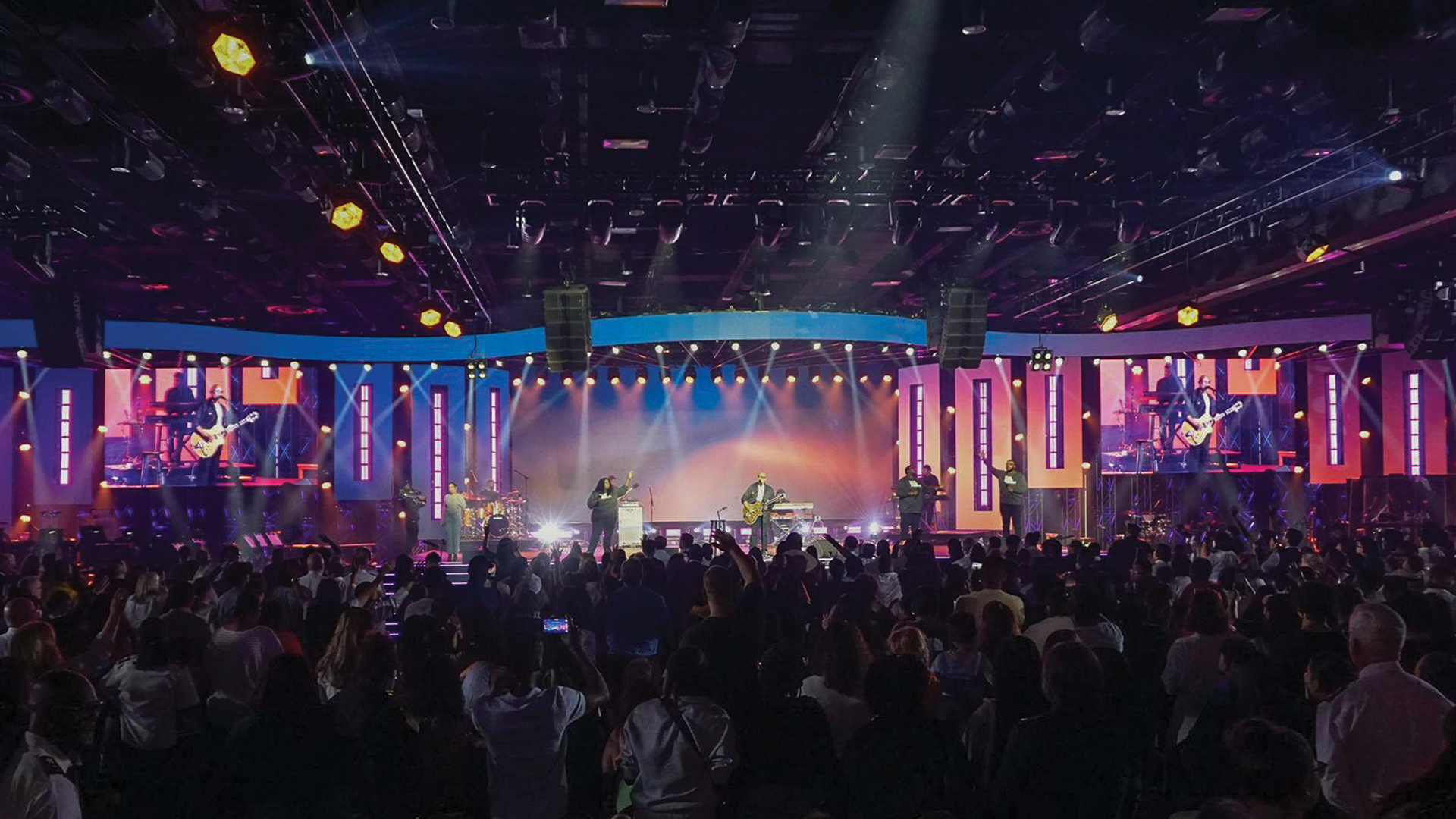
When Video Walls Decide to Sleep In
The Black Rectangle of Doom
Doors were in thirty minutes. The entire production stood ready. The only problem was the twenty-meter-wide LED video wall displaying nothing but the ROE Visual logo on endlessly cycling processor boot screens. The Brompton Tessera processors were stuck in restart loops, the NovaStar backup couldn’t find the panels, and the video engineer was calling technical support.
LED Wall Boot Sequences
LED video wall startup involves complex initialization across multiple layers. The LED panels contain receiver cards that must boot firmware and establish communication with control processors. The LED processors—Brompton, NovaStar, ColorLight—run their own boot sequences before accepting video input.
This sequential dependency creates vulnerability where failure at any level prevents function. A receiver card failing to initialize prevents its entire panel from displaying. A processor stuck in boot loops can’t drive any connected panels.
Common Boot Failure Causes
The firmware in LED components represents the most common boot failure source. Corrupted firmware—from power interruption during updates or memory degradation—can prevent normal initialization. The Tessera S8 processors maintain dual firmware banks enabling recovery, but only if the backup bank contains valid code.
Power quality issues cause boot failures that may not occur consistently. Voltage sags during startup—when hundreds of panels simultaneously draw inrush current—can prevent processors from completing initialization. Sequenced power-up procedures reduce inrush current spikes.
Network Configuration Failures
LED walls dependent on network communication fail when network infrastructure malfunctions. The Ethernet switches connecting processors to receiver cards must be operational before panels can receive data. IP address conflicts prevent communication enabling boot completion.
The fiber optic connections used for long-distance transmission introduce their own failures. SFP modules can fail silently, appearing functional while passing no data.
Diagnostic Approaches
Systematic troubleshooting begins with identifying which layer has failed. If processor displays show normal operation but panels remain dark, the issue lies between processor output and panel input. Working through the signal chain identifies where failure occurs.
The manufacturer support resources can accelerate diagnosis. Brompton, ROE Visual, and NovaStar maintain technical support teams accessible during business hours. Having support contacts and serial numbers available enables faster assistance.
Prevention and Recovery
Preventing boot failures begins with system verification before show time. Powering LED walls early in load-in schedules provides time to address issues before they become emergencies. Maintaining spare components—receiver cards, processor modules, power supplies—enables rapid replacement.
When walls refuse to boot with insufficient troubleshooting time, degraded operation options may salvage shows. Running partial walls—displaying content on functioning sections—provides some visual support. Communication with artists about LED failures must be clear and immediate.
